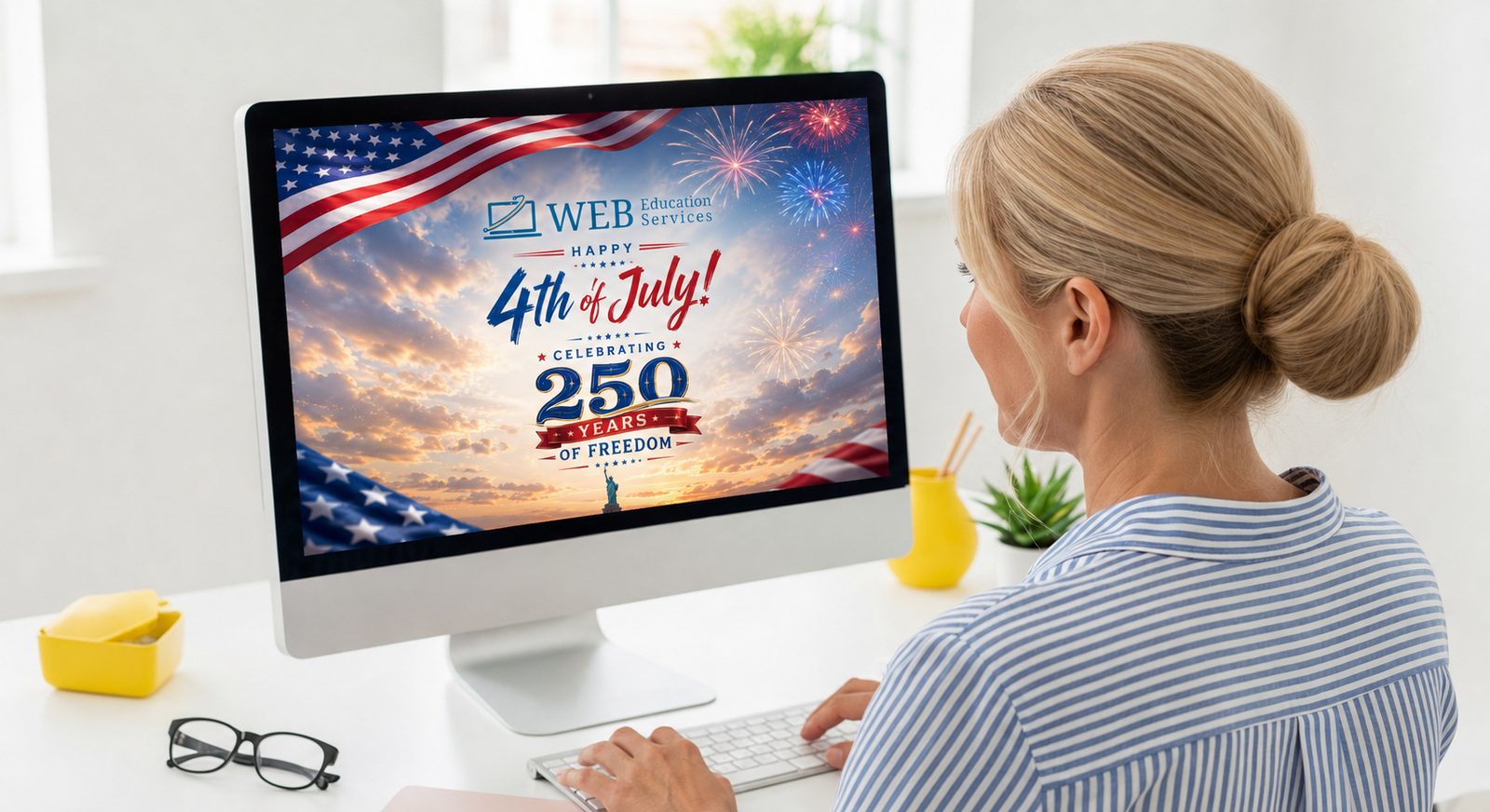
How to Create an Animated 4th of July Post With AI in 5 Minutes
The Fourth of July is an easy opportunity for your business to connect with customers, show some personality, and stay active on social media.
The problem is that creating a holiday post can quickly become more complicated than it needs to be. You need an image. You need the right dimensions. You need a caption. You may want animation or music. Before long, a simple social media post turns into another project sitting on your to-do list.
This is one of the areas where AI can be genuinely useful. With your company logo, an AI image generator, and an AI video tool, you can create a custom animated 4th of July post without being a graphic designer or video editor.
In this tutorial, I will walk you through a simple process using tools such as ChatGPT, Kling AI, and Google Vids. Once you understand the workflow, you can use the same process for other holidays, promotions, events, and business announcements.
What You Need to Create Your Post
Before getting started, gather the following:
- Your company logo
- Access to an AI image generator
- Access to an AI video generator
- A basic idea of what you want the post to look like
- Five to ten minutes to experiment
You do not need to know Photoshop, Premiere Pro, or any complicated design software. The most important thing is knowing how to explain what you want. That is where a good AI prompt comes in.
Step 1: Upload Your Company Logo
Start by opening an AI image generator that allows you to upload an existing image. ChatGPT’s image generation tool is a good option because you can upload your logo and explain what you want in plain English. Other tools, such as Adobe Firefly and Midjourney, may also work, depending on your experience and subscription.
Upload the highest-quality version of your logo that you have available. A PNG file with a transparent background usually works best. However, a JPG can still work if that is the only version you have.
Your logo gives the AI a visual starting point. It can use your existing colors, shapes, and branding to create a holiday design that feels more connected to your business. Without your logo, the result may look like a generic patriotic graphic that could belong to any company.
Step 2: Ask AI to Create a Vertical 4th of July Image
Once your logo is uploaded, tell the AI what you want it to create. You do not need to write a complicated technical prompt. You simply need to give the AI clear instructions.
Try It With AI: Build Your Initial Image Upload your logo into your AI image generator and use the prompt below to generate your base graphic. Create a fun, professional 4th of July social media post using my uploaded company logo. Celebrate America’s 250th birthday with fireworks, American flags, red, white, and blue decorations, and a positive community atmosphere. Keep the company logo visible and accurate. Create the image in a vertical 9:16 format for Instagram Reels, Facebook Reels, Stories, TikTok, and YouTube Shorts. Copy Prompt Open ChatGPT Open Gemini Open ClaudeThis prompt gives the AI several important pieces of information:
- What type of image you want
- Which holiday you are celebrating
- The overall tone of the design
- Which visual elements to include
- How your logo should be used
- The correct format for social media
The more clearly you describe your goal, the more likely you are to receive a usable result.
Why the 9:16 Format Matters
A 9:16 image is designed for vertical screens. This format works well for Instagram Reels, Instagram Stories, Facebook Reels, Facebook Stories, TikTok, and YouTube Shorts.
A common vertical image size is 1080 pixels wide by 1920 pixels tall. Creating the image in the correct format from the beginning helps prevent important parts of the design from being cropped when you upload it to social media.
You can still create a square 1:1 version for a regular Facebook or Instagram post. However, vertical video generally gives you more screen space on mobile devices.
Step 3: Review the Image Carefully
AI-generated images can look impressive, but they are not always perfect. Before downloading your image, check a few important details.
Check Your Logo
Make sure the AI did not change the spelling, shape, colors, or design of your logo. AI tools sometimes redraw logos instead of preserving them exactly. If that happens, ask the tool to keep the uploaded logo unchanged using a follow-up prompt: "Keep my original logo exactly as uploaded. Do not change the wording, colors, proportions, or design of the logo."
If the AI continues to alter the logo, another option is to create the background with AI and add your original logo afterward in Canva.
Check All Text
AI image generators can struggle with text. Carefully review any words, numbers, dates, or slogans that appear in the image. Make sure “250 years” is written correctly and that there are no misspellings. You may get a cleaner result by asking the AI to create the design without text. You can then add your message in Canva, Adobe Express, or another design program.
Check the Overall Style
Make sure the design fits your business. A children’s entertainment company may want something bright and playful. A financial company may want something cleaner and more professional. A local contractor may prefer a patriotic neighborhood or jobsite scene. You can adjust the design by adding style instructions to your prompt. For example:
- "Use a clean, professional style suitable for a local financial services company."
- "Create a friendly, family-focused design for a local home service business."
- "Use a realistic small-town Fourth of July celebration with families, flags, and fireworks."
Do not be afraid to generate more than one version. The first image may give you ideas that help you improve the next prompt.
Step 4: Ask AI to Write the Caption
Once you have an image you like, you can use AI to create the social media caption. Adding business-specific context makes the caption feel less generic.
Try It With AI: Generate Your Caption Paste this prompt into an AI text generator. Feel free to swap the bracketed text with your own industry info! Write a friendly 4th of July social media caption for a [Insert Business Type, e.g., local roofing company] celebrating America’s 250th birthday. Thank our customers and community. Keep it professional, positive, and avoid making the post overly promotional. Make it two short paragraphs and include a few relevant hashtags. Copy Prompt Open ChatGPT Open Gemini Open Claude A simple caption could look like this:"Happy Fourth of July from everyone at [Company Name]. As America celebrates 250 years, we are grateful for the customers, families, and local businesses that make our community such a great place to call home. We hope you have a safe and enjoyable holiday filled with family, friends, and plenty of fireworks. #FourthOfJuly #IndependenceDay #America250 #SupportLocalBusiness"
You can make the caption more personal by mentioning your city, your team, your customers, or your holiday hours.
Step 5: Turn the Image Into a Video
At this point, you have a branded image and a caption. You could stop here and publish the image as a regular social media post. However, turning it into a short video can help it stand out more in a busy social media feed.
For this step, you can use an AI video generator such as Kling AI or the newly released Google Vids, which now offers free video generation. Open the tool and look for an image-to-video option. Upload the vertical 4th of July image you created. Make sure the project is set to a 9:16 aspect ratio so the finished video stays properly formatted for Reels, Stories, TikTok, and YouTube Shorts.
Step 6: Tell the AI How to Animate the Image
The video generator needs instructions describing how the image should move. Keep your prompt simple and focus on natural movement.
Try It With AI: Animate Your Post Paste this prompt into your video generation tool along with your generated image to breathe life into it. Animate the American flags gently waving in the breeze. Add fireworks bursting naturally in the background. Include subtle movement in the lights and decorations. Keep the company logo stationary, clear, and unchanged. Use smooth camera movement and maintain a professional, celebratory atmosphere. Copy Prompt Open Kling AI Open Google VidsThis tells the AI which elements should move and which elements should remain still. That last part is especially important for your logo. You do not want the AI stretching, spinning, melting, or changing your branding.
Here are a few other options depending on your style:
- Energetic:"Create an upbeat 4th of July animation with colorful fireworks, waving American flags, sparkling lights, and a slow camera push toward the center of the image. Keep all movements smooth and realistic. Do not change or animate the company logo."
- Professional:"Add subtle fireworks in the background, gently waving flags, and slow cinematic camera movement. Keep the animation clean and professional. Preserve the logo exactly as it appears in the original image."
Step 7: Review the Animation
Watch the completed video several times before downloading it. Look for common AI video issues, including:
- A distorted company logo
- Flags moving unnaturally
- Fireworks appearing in front of people or buildings
- Text changing during the video
- Objects appearing or disappearing
- Excessive camera movement
- Important content being cropped
If something looks strange, adjust the prompt and generate another version. You may need to tell the AI to use less movement, preserve certain objects, or keep the camera stationary (e.g., "Reduce the camera movement. Keep the logo and text completely still. Only animate the flags and fireworks." ). Small prompt changes can make a significant difference.
Step 8: Add Background Music
Music is optional, but it can help give the video more energy. You can add music when uploading the video to Instagram, Facebook, TikTok, or YouTube. You can also add background music through Canva, CapCut, or another video editor.
For a traditional Fourth of July post, look for music with:
- Light marching percussion
- Brass instruments
- Acoustic guitar
- Upbeat Americana influences
- Family-friendly patriotic energy
Make sure you have permission to use the music. Using music available inside Instagram, Facebook, TikTok, or YouTube is often the easiest option because the platform provides a licensed music library. Music availability may vary between personal and business accounts. Keep the music volume low enough that it does not overpower any voice-over or spoken message you add later.
Step 9: Upload Your Animated 4th of July Post
Your video is now ready to publish. Upload it to the platforms where your business is active. You do not need to publish it everywhere. Focus on the platforms your customers actually use. For many small businesses, that may include Facebook, Instagram, YouTube Shorts, TikTok, and Google Business Profile.
Use the caption you generated, but read it before posting. Make sure it sounds like something you or your business would actually say. You should also verify your holiday hours before including them. If your business will be closed or operating under a different schedule, include that information clearly.
Keep the Post Focused on Your Community
A Fourth of July post does not need to be a sales advertisement. In many cases, a simple message celebrating the holiday and thanking your community will feel more authentic than a promotion.
You can use the post to:
- Thank your customers
- Recognize your employees
- Highlight a local celebration
- Share your holiday hours
- Show your team participating in a community event
- Wish everyone a safe holiday
- Celebrate the 250th anniversary of American independence
If you are running a Fourth of July promotion, you can include it. Just make sure the post still feels connected to the holiday rather than turning into a generic sales message with fireworks added to it.
Reuse This AI Workflow for Other Posts
The best part about this process is that it is not limited to the Fourth of July. Once you understand the workflow, you can use it throughout the year. The same basic process can help you create content for Memorial Day, Labor Day, Thanksgiving, Christmas, New Year’s Day, Veterans Day, grand openings, customer appreciation posts, seasonal promotions, company anniversaries, community events, and product launches.
The process stays mostly the same:
- Upload your logo or starting image.
- Ask AI to create a branded design.
- Review the design for mistakes.
- Generate a caption.
- Upload the image to an AI video tool.
- Describe how you want it animated.
- Review and download the finished video.
- Publish it on the appropriate platforms.
AI does not replace your knowledge of your customers or your business. It simply helps you move from an idea to a finished piece of content faster.
AI Is More Useful When You Know What to Ask
Many small business owners try an AI tool once, receive a disappointing result, and decide the technology does not work. Usually, the problem is not the tool. The problem is that the instructions were too broad.
“Make me a Fourth of July post” leaves almost every creative decision up to the AI. A stronger prompt tells the AI who the post is for, what the design should communicate, which visual elements to include, which format to use, what should move, what should remain unchanged, and what tone fits the business.
Learning how to communicate with AI is one of the most valuable skills a business owner or marketing team can develop. You do not need to become an AI expert. You simply need a repeatable process and a little hands-on practice.
Get Hands-On Help Creating Your 4th of July Post
Want to create your post with some help? Bring your logo, your laptop, and an idea for your Fourth of July message. We will walk through the process of creating a branded image, writing the caption, and turning the image into an animated social media post.
Join us on Friday, July 3 at 2 p.m. for a hands-on Web Education Services workshop.
You will leave with a finished piece of content you can use for your business and a workflow you can reuse for future holidays and promotions.
Sign Up For The Workshop