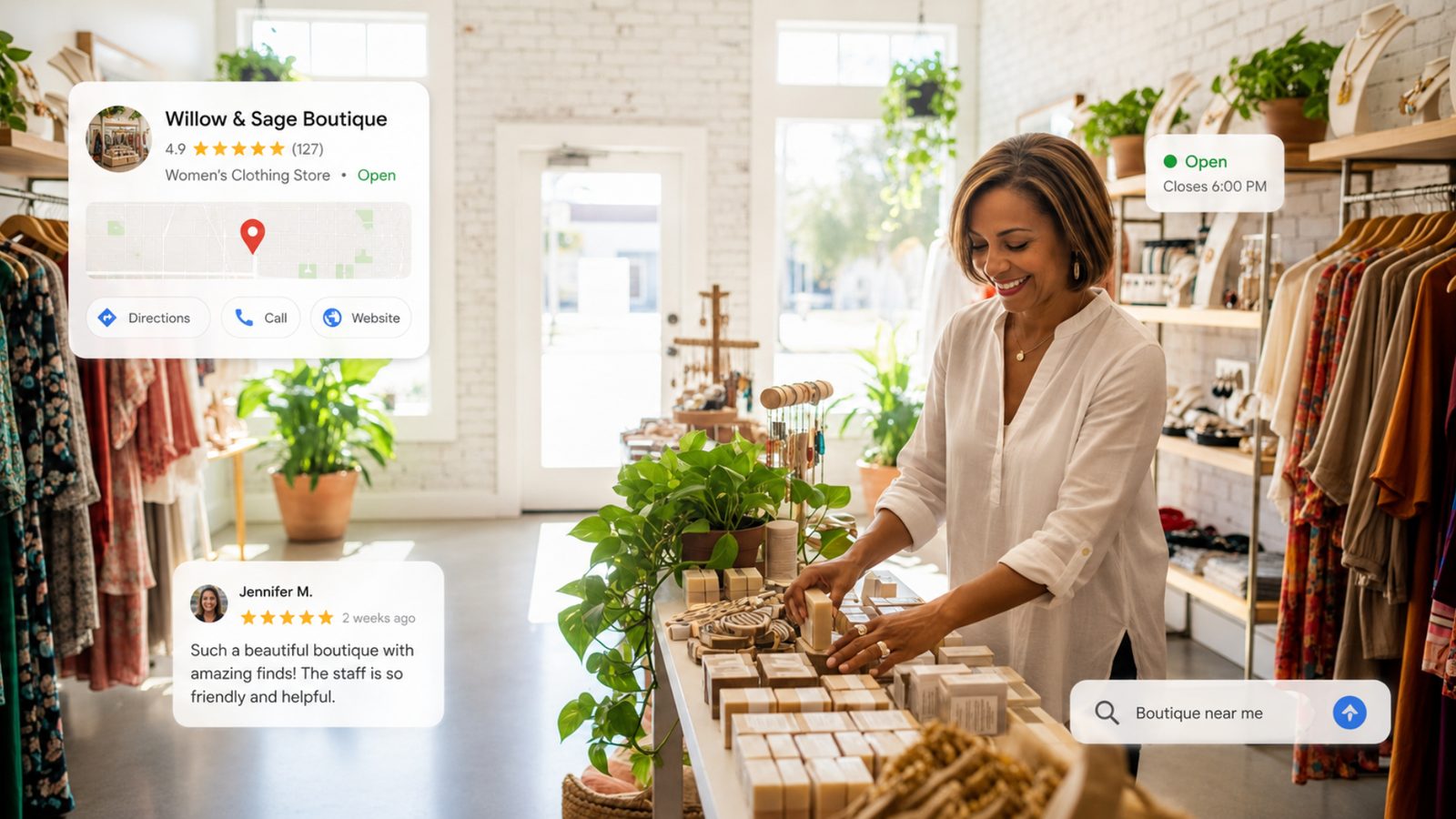
Google Business Profile: Simple Ways to Make Your Listing Stand Out
📱 Pro Tip: Get 1-Tap Access to Your Business ProfileGoogle no longer has a dedicated standalone app for Business Profiles. To make managing your reviews, photos, and hours easy, add your dashboard directly to your phone's home screen!
- Click the button below to open your dashboard in your mobile browser.
- For iPhone (Safari): Tap the Share icon (the square with an arrow pointing up) at the bottom of your screen, then scroll down and tap Add to Home Screen.
- For Android (Chrome): Tap the Menu icon (the three vertical dots) at the top right, then tap Add to Home screen.
If you own a local business, your Google Business Profile is one of the most important pieces of your online marketing. And the best part is that it is free.
When someone searches for a plumber, dentist, restaurant, realtor, landscaper, electrician, or just about any other local service, Google is often going to show local businesses before traditional website results. That means your Google Business Profile may be the first thing a potential customer sees. They may never even visit your website before deciding whether to call you.
For a lot of local businesses, Google is essentially creating a miniature version of your website directly inside Google Search and Google Maps. That is why we spend so much time talking about Google Business Profiles during our Web Education Services workshops.
There are also several changes and newer features that business owners should be paying attention to in 2026. Let's look at what is changing and what you should be doing with your listing.
Google Business Profiles Are Becoming More Social
One of the more interesting changes we are seeing with Google Business Profiles is the increased integration between your Google listing and your social media accounts. Google Business Profiles have supported social media links for some time, but Google is beginning to do more with that information.
Instead of simply showing a link to your Instagram or Facebook page, Google may also display content from connected social media accounts directly within your Business Profile. This creates another reason to make sure your social media accounts are properly connected.
Google Can Display Social Media Updates on Your Business Profile
Google has introduced a Social Media Updates section on some Google Business Profiles. This can include recent content from platforms such as:
- TikTok
- YouTube
Think about what this could mean for a local business. A restaurant could have recent food photos showing directly inside its Google listing. A landscaping company could have before-and-after project photos appearing within Google. A realtor could have a new listing or open house post show up.
Instead of someone seeing a relatively static Google listing, they could see fresh content showing that your business is active. That is a big deal. Your social media content is no longer necessarily limited to people scrolling through social apps. It can potentially become part of the information Google uses to present your business.
Connect Your Social Media Accounts to Google
If you have not already connected your social media profiles to your Google Business Profile, this should be on your local SEO checklist. You do not necessarily need to be active on every platform. That is something we talk about frequently at Web Education Services. Small business owners often think they need to be everywhere.
You don't. It is usually better to do two or three platforms well than to have seven abandoned social media accounts. But if you are actively posting somewhere, make sure Google knows that account belongs to your business.
Why This Matters
Think of social media as another signal that helps Google understand your business. Your website says who you are. Your Google Business Profile says who you are. Your Facebook page says who you are.
When all of these properties consistently point back to the same business, it creates a stronger overall online presence. It also gives potential customers more ways to learn about you.
Your Google Business Profile Should Not Be Static
A lot of businesses set up their Google Business Profile once and then forget about it. That is a mistake.
Google Business Profiles should be treated like an active marketing channel. You should periodically add:
- New photos
- New videos
- Business updates
- Offers
- Events
- New services
- Updated hours
- Updated contact information
You should also continue asking happy customers for reviews. Google wants to provide searchers with useful and current information. If one business has a profile with photos from 2018 and another business has recent photos, current reviews, updated services, social media activity, and accurate information, which profile do you think looks more useful to a potential customer? The active one.
You do not have to spend hours every week working on your Google Business Profile. But you should not ignore it either.
Service Area Businesses: Keep Your Target Area Reasonable
This is something I talk about a lot with local businesses. If you are a service-area business, do not automatically try to make your service area as large as possible. Bigger is not always better.
Suppose you are a plumber located in New Port Richey, Florida. You could tell Google that you serve: New Port Richey, Trinity, Holiday, Port Richey, Hudson, and Tarpon Springs. Or you could try to claim that you service basically all of Tampa Bay.
The first approach is often much more focused. If you are trying to rank across a massive geographic area, you are competing with significantly more businesses. If you focus on the areas you actually serve most often, you give Google a clearer picture of where your business is relevant.
Think Smaller Before You Think Bigger
I would rather see a business become highly visible in five communities than barely visible in 25. Once you start performing well in your core areas, you can always expand your marketing strategy.
Local SEO is often about relevance. Where are you located? Where do you actually work? Where are your customers? Where are your reviews coming from? What locations are mentioned on your website? Those signals should work together.
Photos and Videos Matter More Than Many Businesses Realize
Google continues to provide businesses with more information about how customers interact with their profiles. One area worth paying attention to is your photos and videos. Google has been adding more visibility into individual photo and video performance.
That can help you figure out what people are actually interested in. For example, you may discover that photos of completed projects receive more views than photos of your employees. Or maybe photos of your restaurant's food perform much better than generic pictures of the dining room. A contractor might discover that before-and-after photos perform extremely well.
This information can help guide your content.
Stop Posting What You Think People Want to See
This applies to websites, social media, Google Business Profiles, email marketing, and almost every other form of digital marketing. Look at the data.
If certain photos consistently get more attention, create more content like that. If videos are performing well, make more videos. If customers interact with project photos, show more projects. Marketing gets much easier when you stop guessing.
Your customers are constantly giving you information through clicks, views, searches, calls, and website activity. You just have to pay attention to it.
Google Is Collecting More Information About Your Business
Another area businesses should watch is the information Google collects from different sources. Google does not rely exclusively on what you manually enter into your Business Profile. It can also gather information from places such as:
- Your website
- Reviews & Customer questions
- Business directories
- Social media
- Other online sources
This makes consistency increasingly important. If your website says you close at 5:00 PM but another directory says 6:00 PM, Google has conflicting information. If one website has an old phone number, that creates another inconsistency.
This is one reason local SEO involves more than simply creating a Google Business Profile. You want the entire internet to tell Google a consistent story about your business.
Check Your Business Information Regularly
Every few months, take ten minutes and review your Google Business Profile. Check your Business name, Address, Phone number, Website, Hours, Categories, Services, Description, Photos, Social media accounts, and Service areas.
You would be surprised how often we find old information in Google listings. Your listing is too important to assume everything is always correct.
Connect Google Traffic to Google Analytics
If you are serious about your website marketing, you should track what happens after someone leaves your Google Business Profile and visits your website. This is where Google Analytics 4 becomes important.
Your Profile might generate website visits, phone calls, form submissions, purchases, or appointment requests. But you need proper tracking if you want to understand what those visitors do next.
Use UTM Tracking on Your Google Business Profile Website Link
One simple thing businesses can do is add UTM tracking to the website link inside their Google Business Profile. A UTM code is simply additional information added to the end of a URL that tells Google Analytics where a visitor came from.
Instead of simply linking to yourwebsite.com , you could use a tracking URL that tells Google Analytics the visitor came from your Google Business Profile. This gives you a much cleaner way to measure traffic. Then inside Google Analytics, you can see how those visitors behave. For businesses investing time and money into local SEO, that data is extremely valuable.
Your Physical Location Still Matters
No matter how sophisticated Google becomes, there is still one huge factor in local search: Where your business is located.
If someone searches for "pizza near me", Google is not usually going to send them 30 miles away because that restaurant has a slightly better website. Proximity matters. Google is trying to find businesses that are relevant to the searcher and reasonably close to them. That is why location remains so important in local SEO.
If You Have a Real Business Location, Use It Correctly
If customers can legitimately visit your business location, make sure your Google Business Profile has accurate location information. Your address should match your Website, Contact page, Business directories, and Social media profiles.
Consistency matters. Google has become much stricter about fake business addresses, virtual offices, P.O. boxes, and other attempts to manipulate local search results. Do not try to outsmart Google. Use accurate business information. It is better for Google and better for your customers.
Be Careful With Home-Based Businesses
If you run a business from your home, you need to think carefully about how your Google Business Profile is configured. If customers genuinely visit your location during your stated business hours, that may be different from operating as a service-area business where you travel to customers.
The important thing is that the profile accurately reflects how your business operates. You do not want to create an address setup simply because you think it will help you rank. When in doubt, focus on accuracy.
Your Website and Google Business Profile Need to Work Together
One of the biggest mistakes I see is businesses treating their website, Google Business Profile, social media, and SEO as completely separate things. They are not. They should reinforce each other.
Suppose you are an electrician in Trinity, Florida. Your Google Business Profile says you serve Trinity. Your website has an electrical services page mentioning Trinity. Your reviews mention customers in Trinity. Your Facebook page shows projects in Trinity.
Now Google has multiple pieces of information pointing in the same direction. That is a much stronger signal than simply typing "Trinity electrician" onto a website 37 times. This is what good SEO looks like. It is not about tricks. It is about helping Google clearly understand who you are, what you do, and who you serve.
Reviews Are Still One of the Most Important Parts of Your Profile
While we are talking about new Google features, do not forget about one of the oldest and most important parts of your Google Business Profile: Reviews. Reviews influence people. Before someone calls your business, they are probably checking:
- Your overall rating
- How many reviews you have (and how recent they are)
- What customers are saying
- How you respond to negative reviews
You should have a simple process for requesting reviews from satisfied customers. Do not make it complicated. Send customers a direct link. Ask shortly after you complete the service. Make it easy.
And respond to your reviews. You do not need to write a paragraph. A simple, genuine response is enough.
A Simple Google Business Profile Checklist
You do not "finish" your Google Business Profile. Your business changes. Google changes. Your competitors change. Customer behavior changes. You should revisit your profile regularly. Here is what I would recommend checking today:
Business Information
Make sure your Business name, Phone number, Website, Address, Business hours, and Holiday hours are correct.
Categories & Services
Review your primary and secondary categories. Make sure your important services are listed. Do not assume Google knows everything you offer.
Photos & Social Media
Upload recent Project photos, Team photos, and Before-and-after images. Ensure your active social media accounts (Facebook, Instagram, LinkedIn) are connected.
Service Area & Tracking
Make sure your targeted locations accurately reflect where you work. Ensure traffic from your Google Business Profile can be tracked inside Google Analytics via UTM codes.
Do Not Chase Every New Google Feature
One last piece of advice. Google changes constantly. You do not need to panic every time Google adds a new button or changes the Business Profile interface.
Focus on the fundamentals first. Make sure your information is accurate. Get reviews. Post useful photos. Connect your website. Connect your social profiles. Track your results. Create good content. Make it easy for someone to contact you. Those fundamentals will continue to matter regardless of what Google changes next.
Learn How to Improve Your Google Business Profile
Google Business Profiles continue to become more important for local businesses. Social media integration, better performance data, expanded business information, and improved analytics are giving business owners more ways to make their profiles useful.
But you do not need to become an SEO expert to take advantage of them. Start with the basics. Open your Google Business Profile today and spend ten minutes reviewing it. Then ask yourself one simple question: If I were a customer looking at this business for the first time, would this profile make me want to call? If the answer is no, you know what to work on.
At Web Education Services, our goal is to make digital marketing and AI understandable for small business owners.
We do not want you blindly paying for marketing you do not understand. We want you to understand what these tools do, why they matter, and how you can use them to grow your business. If you want help with your Google Business Profile, website, SEO, AI, or digital marketing, join us at one of our upcoming Marketing Launchpad workshops!
Sign Up Here