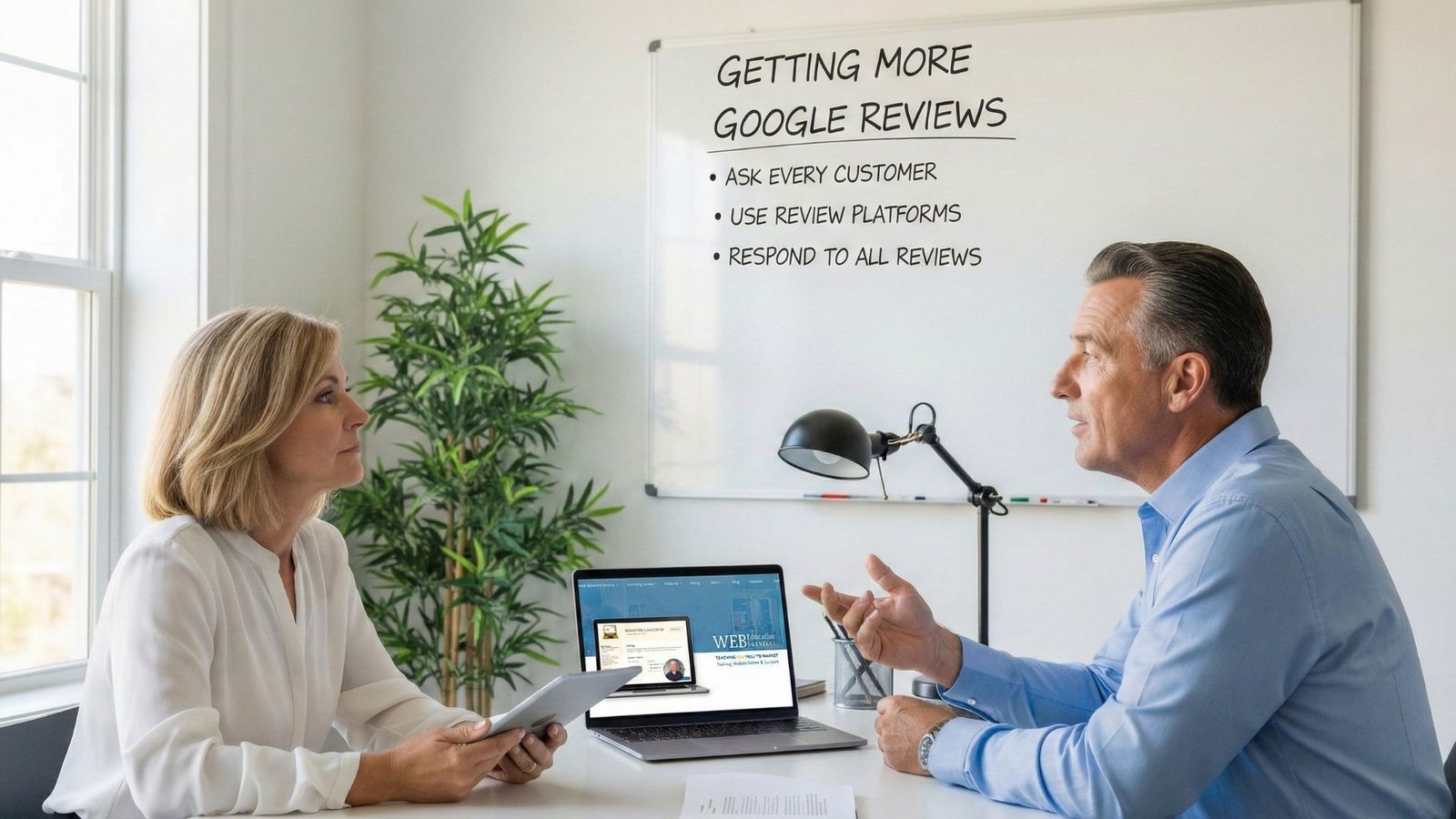
Learn the best strategies to acquire Google reviews, improve your SEO, and respond effectively to customer feedback.
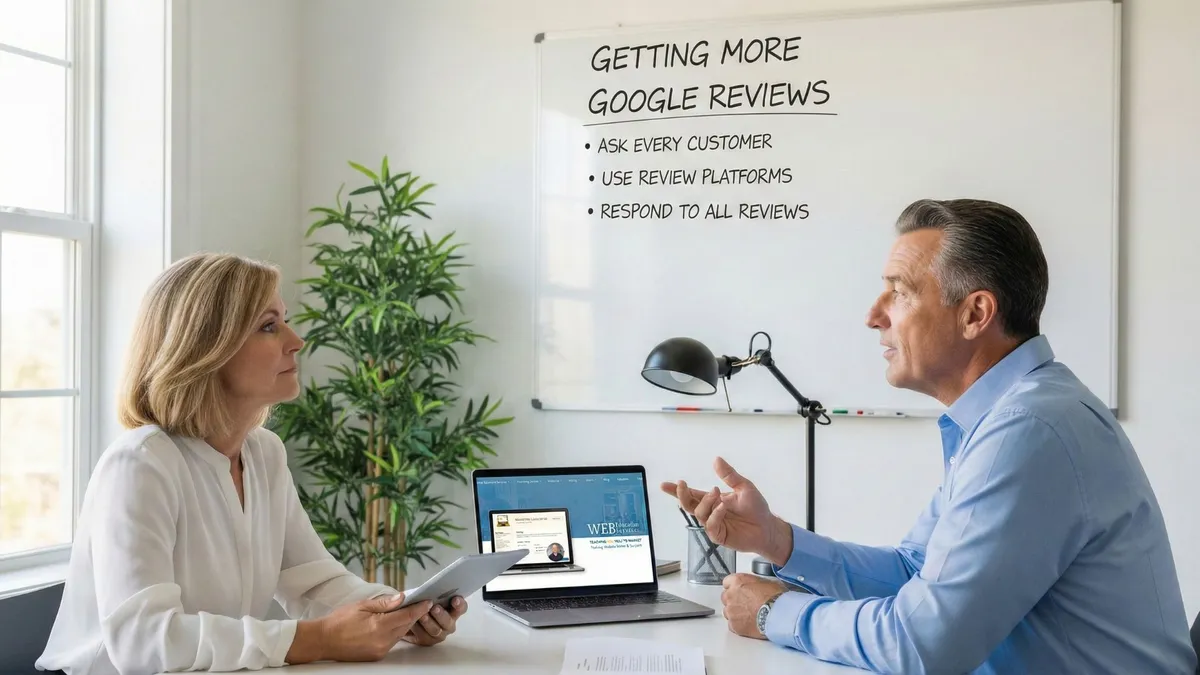
Get More Google Reviews
We've all been there. You're told constantly that you need more Google reviews. It's the magic bullet, the key to unlocking local search dominance. But then you ask, "How exactly do I get more reviews?" and the answer is often a vague, "Just ask!"
But that's simply not enough.
You need a strategy, a system, and concrete steps to transform your customer satisfaction into a powerful online presence. This isn't just about asking; it's about optimizing the entire process to generate a steady stream of positive reviews that will boost your business.
Why Google Reviews Matter: The SEO Powerhouse
Let's cut to the chase: Google Reviews are arguably the single most important thing you can do for your local SEO. Here's why:Reviews Directly Impact Search Rankings
Google's algorithm prioritizes businesses with positive reviews. More reviews signal to Google that your business is trustworthy. This translates directly into higher rankings in local search results.
Reviews Build Trust and Credibility
Positive reviews act as social proof, reassuring potential customers that your business is reliable. A strong review profile can be the deciding factor between a customer choosing you or your competitor.
Reviews Increase Click-Through Rates
When your business appears in search results with a high star rating, it instantly grabs attention. This increased visibility leads to higher click-through rates and more website visitors.
Reviews Provide Valuable Feedback
Reviews are a valuable source of feedback. By actively monitoring them, you can gain insights into what your business does well and where it can improve for better customer satisfaction.
For local businesses, mastering the art of acquiring and managing Google Reviews is no longer optional – it's essential for survival and success.
It's time to move beyond simply "asking" and implement a strategic approach.
Come to Our Next WorkshopThe Best Strategy for Getting Google Reviews: Timely and Targeted Requests
The key to getting more Google reviews lies in timing and convenience. The most effective strategy involves reaching out to customers immediately after they've had a positive experience with your business. Here's how to do it:Text Messages: The Preferred Method
In today's fast-paced world, text messages are the most direct and efficient way to request a review. Why? Because people are more likely to check their texts immediately. Here's the workflow:
- Automate the process: Use your CRM or POS system to automatically send a text message to customers shortly after their purchase.
- Personalize the message: Start by thanking the customer and expressing your hope that they had a positive experience.
- Make it easy: Include a direct link to your Google Business Profile review page. The fewer steps required, the better.
- Keep it concise: Text messages should be short and to the point.
Email: The Backup Option
If you don't have a customer's phone number, email is the next best option. However, open rates are lower, so it's crucial to make your email stand out.
- Compelling Subject Line: Grab attention immediately (e.g., "Share Your Experience with [Business Name]").
- Personalized Greeting: Address the customer by name.
- Thank You and Context: Briefly remind them of their experience.
- Clear Call to Action: Include a prominent button or link to your review page.
- Mobile-Friendly Design: Ensure your email is optimized for phones.
Hi [Customer Name],
Thanks again for choosing [Business Name]! We hope you were happy with your recent service. We'd love it if you could take a few moments to share your experience by leaving us a Google review.
[Button: Leave a Review]
Your feedback helps us improve and allows others to discover our business.
Thanks again,
The [Business Name] Team
Technical Setup Guide
Before you can request reviews, you need the infrastructure in place.
How to Get Your Link
- Search for your business on Google Maps.
- Click on your business listing.
- Scroll down to the "Reviews" section.
- Click the "Get more reviews" button.
- Copy the short link provided.
Don't Have a Listing?
- Go to Google Business Profile and click "Manage now".
- Sign in with your Google account.
- Search for your business name or click "Add your business".
- Enter your business info (Name, address, phone).
- Prepare for video verification.
Understanding Video Verification
Google often requires video verification to ensure that your business is legitimate. Here's what you can expect:
- Prepare Your Space: Clean up and gather business licenses/utility bills.
- Start Recording: Use your smartphone to record a continuous video.
- Showcase Your Location: Show the exterior, street address, and signage.
- Highlight Operations: Move inside and showcase products, equipment, and work areas.
- Verify Ownership: Unlock a door or show access to business accounts.
If you are having trouble getting verified, reach out to our Launchpad 12 package to help you get the listing up and running.
The Importance of Responding to Reviews (Good and Bad)
Acquiring Google Reviews is only half the battle. Actively responding to reviews, both positive and negative, is crucial for maintaining a positive online reputation and demonstrating your commitment to customer service.
Why Respond to Reviews?
Shows You Care
Responding to reviews shows customers that you value their feedback and appreciate their business.
Builds Trust
Addressing negative reviews professionally can turn a negative experience into a positive one, building trust.
Improves SEO
Responding can indirectly improve your SEO by increasing engagement with your Google Business Profile.
How to Respond: Step-by-Step
- Sign in to your Google Business Profile account.
- Click on "Reviews" in the left-hand menu.
- Read each review carefully.
- Click the "Reply" button below the review you want to respond to.
- Craft a thoughtful and professional response.
Tips for Responding to Reviews
- Respond Promptly: Aim to respond to reviews within 24-48 hours.
- Be Professional: Maintain a polite and respectful tone, even when responding to negative reviews.
- Personalize Your Response: Address the reviewer by name and acknowledge the specific points they raised.
- Thank Customers for Positive Reviews: Express your gratitude for their positive feedback and invite them to return.
- Address Concerns in Negative Reviews: Acknowledge the customer's concerns, apologize for any inconvenience, and offer a solution. Take the conversation offline if necessary.
- Keep it Concise: Responses should be brief and to the point.
- Proofread: Always proofread your response before submitting it.
Responding to reviews is an ongoing process that requires time and effort. However, the benefits of actively managing your online reputation are well worth the investment.
By implementing these strategies, you can significantly increase the number of Google Reviews you receive, improve your local SEO, and build a stronger online reputation. Remember, it's not just about asking for reviews; it's about creating a seamless and positive experience for your customers and making it easy for them to share their feedback.
Ready to take your business to the next level?
Ready to Grow Your Business with Better Marketing?
Join our FREE Friday Workshop every week from 2 to 3 PM EST on Zoom. Get hands-on tips, AI tools, and live Q&A to help your business stand out.
Register Now my.webeducationservices.com/register
Join our Friday workshops at 2 PM Eastern where we walk through real marketing strategies step by step.
Or, learn at your own pace with our
Marketing Essentials Self-Paced Online Course.