What we actually did yesterday
I turned a voice recording into a fully animated social reel, with an AI voiceover, branded images and motion, in about fifteen minutes of real work. No Canva timeline. No editing software. A conversation.
This is the exact process, step by step, with the prompts. Every one of them is copy-able below, and the Open Muse button next to each will drop you straight into the app with the prompt on your clipboard.
Following along? You need the app first.
Free to start, US and Canada. Sign in with the Facebook or Instagram account your business already uses.Jump to a step
Step 1: Find the story before you write anything
Everything started as a chat. I told Muse what had happened: I had been on a call about turning a voice recording into a postable video, and instead of the usual Canva walkthrough, load an image, add the audio, download the video, post it, I asked it to write up how to do the whole thing with AI instead.
That contrast, the old way against the AI way, became the spine of the post. Muse helped shape the raw story into an arc: the old process, the shortcut, the escalation to video, and the punchline, which is that I told it to post the thing and here we are.
The tip inside the tip
Do not open by asking for a finished post. Tell it what happened and let it find the story with you. The best social posts are true stories told well, and you already have the true part.
Here is something that happened in my business today. [TELL IT THE STORY THE WAY YOU WOULD TELL A FRIEND. TWO OR THREE SENTENCES IS PLENTY.]

Do not write a post yet. Help me find the story first.

Ask me questions until you understand what actually changed, what it used to take, and why anyone else would care. Then give me three different angles this could be told from, and tell me which one you would pick and why.
The questions are the point. If it starts writing immediately, tell it to stop and ask you more.
Step 2: Write the caption in your voice, not its voice
Once the story was clear I had it draft the caption. We hand it the same rules every time, which is what keeps a hundred posts sounding like one person wrote them.
- No em dashes, no stiff corporate phrasing
- Never make a promise we cannot keep
- End with "follow for more"
- One call to action, and only one
I wrote a rough version, it cleaned it up, and I approved the exact wording before anything moved. Nothing posts without sign-off on the exact text. That is a standing rule here and it is the one I would least like to give up.
Draft the caption for this post in my voice.

My rules, every time:
1. No em dashes and no stiff corporate phrasing. Write the way I talk.
2. Never promise anything we cannot deliver. No "guaranteed," no numbers we did not measure.
3. End with "follow for more."
4. Exactly one call to action: [YOUR LINK OR OFFER].

Here is a rough version in my own words so you can hear me: [PASTE YOUR ROUGH DRAFT, TYPOS AND ALL.]

Give me three versions at different lengths. Do not post anything.
Feeding it your own rough draft is what makes the output sound like you. A blank brief gets you a blank voice.
Step 3: Build the reel, the easy version first
Here is where it gets fun. I asked for a video version of the instructions, built from three parts.
- An AI voiceover. It generated the narration from a short script I approved, broken into four beats so each section of the video could carry its own audio.
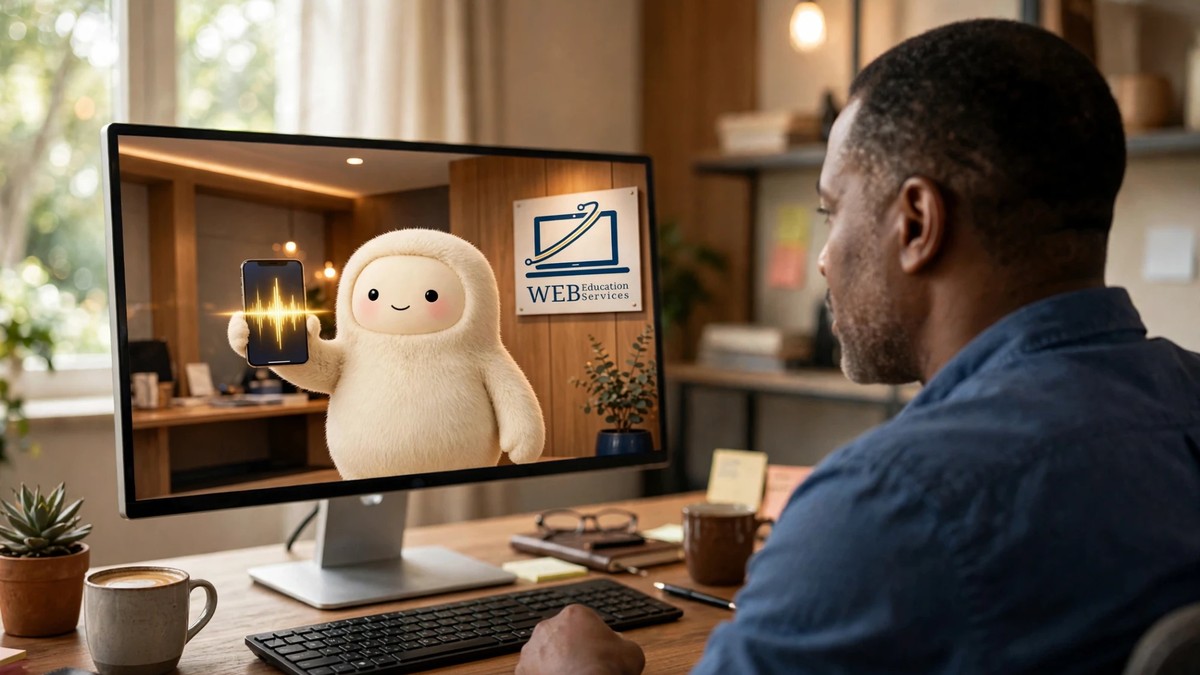
- Four branded images. Vertical, 9:16, one per beat. After a couple of rounds we landed on Jolly, the Muse mascot, styled in our deep navy and gold, warm small-business feel rather than cold tech.
- The Ken Burns effect. Each still got a slow zoom and drift, the classic documentary pan and zoom, timed to match its voiceover beat.
The result was a thirty-two second reel with moving images under a natural-sounding narration. Hands-on time: minutes.
Turn this into a short vertical social video.

1. Write a narration script of about 30 seconds, split into four beats. Show me the script and wait for my approval before you record anything.
2. Once I approve, generate the voiceover from the approved script.
3. Generate four vertical 9:16 images, one per beat. Brand them: [YOUR COLORS], [YOUR MASCOT OR SUBJECT IF YOU HAVE ONE], and a warm [YOUR INDUSTRY] feel rather than a cold tech look.
4. Give each image a slow zoom and drift, timed to its own beat, and lay the narration underneath.

Show me the script, then the images, then the video. I approve each stage.
Approving the script before the voiceover is recorded saves you a re-record. Approving the images before the video saves you the whole render.
Step 4: Then animate it properly
Stills with motion are nice. I wanted to know whether it could animate the scenes outright. It can.
Each of the four branded images went through AI video generation with simple direction: Jolly bobbing and blinking, holding up a glowing phone, gesturing at a download screen, typing at a desk while sparkles swirl, celebrating with confetti coming down. Each clip came back around ten seconds. It trimmed each one to its beat, stitched them together, and laid the original narration underneath.
One honest limitation
The animation cannot lip-sync to the voiceover. What you get is lively, characterful motion playing under the narration. For a thirty-second social reel that is exactly right. For a talking-head explainer it is not, and you should know that before you plan one.
Now animate the four images instead of panning across them.

Run each one through video generation with simple motion direction. Keep the character and the branding identical across all four so it reads as one piece.

Beat 1: [WHAT MOVES]
Beat 2: [WHAT MOVES]
Beat 3: [WHAT MOVES]
Beat 4: [WHAT MOVES]

Trim each clip to the length of its voiceover beat, stitch the four together in order, and lay the original narration underneath. Do not add music unless I ask.
Naming the motion per beat is what keeps it from drifting into generic stock animation. Be specific and a little silly.
Step 5: Post it, natively, everywhere
The finished MP4 went to Instagram, our Facebook Page and Threads, with the approved caption and the workshop link. Same file, uploaded natively on each platform, because a native upload outperforms a cross-posted link every time.
Post the finished video to my Instagram, my Facebook Page and Threads.

Upload the same file natively to each one rather than cross-posting a link.

Use the caption exactly as I approved it. Do not rewrite it, do not add hashtags I did not ask for, and do not change the link.

Show me each one before it goes out.
"Show me each one before it goes out" is not optional. Meta's own rule is that nothing publishes, sends or spends without your approval, and you should hold it to that.
What this actually replaced
The old half day
- Brainstorm it alone on a notepad
- Write the caption, rewrite the caption
- Design four frames in Canva
- Record audio, or go find some
- Drag it all onto a timeline and edit
- Export, wait, export again
- Post to three platforms by hand
The new fifteen minutes
- Tell it what happened
- Approve the story
- Approve the words
- Approve the images
- Approve the video
- Approve the post
You are the creative director. The production team is the part that got cheap. Notice that every item in the right-hand column is a decision and none of them is labor, which is the actual shape of this change and the reason it holds up past the novelty.
Questions people asked when I showed them
Do I need a mascot like Jolly?
No. A mascot gives the four frames something consistent to hold together, but a product, a storefront, a pair of hands doing the work, or you on camera all do the same job. What matters is that the same visual thread runs through every beat so it reads as one piece instead of four stock images in a row.
How long does it take the first time?
Longer than fifteen minutes, because you will iterate on the images. Ours took a couple of rounds to land on the right look. Once you know the words you use to describe your brand, every reel after that is fast, because you are reusing a description that already worked.
Can it do a talking head?
Not well. There is no lip-sync, so a face that appears to be speaking will not match the audio. Point the motion at anything other than a mouth and you are fine.
Does it post on its own?
Only if you let it, and you should not. Meta's position is that nothing publishes, sends or spends without your approval. Keep publishing on ask-every-time, permanently. A bad draft is a deleted file. A bad post is a screenshot.
What does this cost?
Muse is free up to a usage limit, with paid plans above it. Four images, a voiceover and four short video clips is not a light session, so this is the kind of workflow that will find the ceiling of the free tier faster than chatting will.
We are doing this live on Friday
Same process, hands-on, at this week's free workshop. Bring a voice recording or just bring yourself, and you will leave with a video ready to post.
Follow for more.